
You buy a 65-inch 4K television, mount it on the wall, connect it to your gigabit Bell Fibe or Videotron internet, subscribe to an IPTV service that advertises “4K quality” in bold letters across its homepage — and then you sit down to watch. Something is off. The picture looks fine, maybe even good, but it does not look different the way you expected it to. It does not have that depth. That sharpness. That sense that you could reach into the screen.
What happened is something that happens to thousands of Canadian cord-cutters every year: they were sold 4K IPTV and delivered upscaled HD.
This guide exists to fix that. You are going to learn what real 4K IPTV actually is, what your internet connection and device need to deliver it, which Canadian IPTV providers genuinely offer it, and, most importantly, how to verify you are actually watching in Ultra HD before spending a single dollar. If you are in Canada and you want the best 4K live IPTV experience your setup can support, this is where you start.
4K IPTV Provider Comparison Table
| Provider | Channels | 4K Quality | Anti-Freeze | Free Trial | Starting Price | CAD Pricing | Devices | Best For |
|---|---|---|---|---|---|---|---|---|
| StreamEast4K.com | 18,000+ | ★★★★★ | ✅ Anti-Freeze™ | ✅ No CC | $19 USD/mo | No (USD) | Up to 5 | 4K sports, multi-device |
| IPTVTheFox.com | 18,000+ | ★★★★★ | Standard | ✅ | Contact site | ✅ USD/CAD | Multi-device | International households |
| IPTVV.ca | 25,000+ | ★★★★☆ | ✅ Adaptive bitrate | ✅ 24h No CC | $19 CAD/mo | ✅ CAD | Up to 4 | Canadian-first, bilingual |
| IPTVPrime.ca | 97,800+ | ★★★★☆ | ✅ Anti-Freeze™ 3.0 | ✅ 30-day | Contact site | ✅ CAD | Multi-device | Content volume, MTL-based |
| IPTV.ca | 40,000+ | ★★★★☆ | Standard | Check site | $20 CAD/mo | ✅ CAD | Multi-device | Catch-up TV, volume |
What Is 4K IPTV? (And What “True 4K” Actually Means)
IPTV (Internet Protocol Television) is the delivery of live television, on-demand content, and sports events over the internet — replacing cable and satellite infrastructure with server-to-device streaming. You subscribe, install an app, enter your credentials, and start watching.
4K IPTV is IPTV that delivers streams at 3840 × 2160 pixels — four times the resolution of standard 1080p HD. When a 4K stream is displayed on a 4K television with the right hardware and internet connection, the visual difference is immediately apparent: sharper edges, more natural colour depth, and detail that holds up even on large screens at close viewing distances.
Quick definition (featured snippet target): 4K IPTV is an internet-delivered television service that streams live channels and on-demand content at Ultra HD resolution (3840 × 2160 pixels). It requires a minimum internet speed of 25 Mbps, a 4K-compatible device, a compatible IPTV player app, and a provider whose servers actually encode and deliver streams at true 4K bitrates — not upscaled HD.
4K vs. Upscaled HD — Why the Difference Matters
This is the most important distinction most IPTV guides never make.
True 4K means the source content is encoded at 3840 × 2160 pixels and delivered at a bitrate of approximately 15–25 Mbps per stream. The server has the original 4K feed and sends it to you at full resolution.
Upscaled HD means the source is 1080p or lower, and the provider’s server — or your device — mathematically stretches it to fill a 4K display. The result looks similar on a small screen but falls apart on anything larger than 55 inches. You can tell the difference by looking at fine detail: text on scoreboards, stadium crowd texture, hair and fabric close-ups. Upscaled content appears slightly soft in these areas. True 4K is crisp.
Many IPTV providers in Canada — including well-known ones — label channels as “4K” when they are delivering upscaled 1080p. The technical reason is simple: sourcing and serving genuine 4K feeds requires significantly more bandwidth on the provider’s infrastructure. It is expensive to do properly. Providers who invest in true 4K infrastructure distinguish themselves by publishing their actual stream bitrates or allowing you to verify during a free trial.
What Internet Speed Do You Need for 4K IPTV in Canada?
This is the question that kills more 4K IPTV setups than any other factor. Most Canadian households have fast enough advertised speeds — but the effective speed at your device, after WiFi degradation and household traffic, is often well below the plan rate.
Speed Requirements by Stream Type
| Stream Type | Minimum Speed | Recommended Speed | Notes |
|---|---|---|---|
| Standard Definition (SD) | 5 Mbps | 8 Mbps | Fine on any modern plan |
| High Definition (HD 720p) | 8 Mbps | 12 Mbps | Reliable on most broadband |
| Full HD (1080p) | 15 Mbps | 20 Mbps | Good baseline for most IPTV |
| 4K Ultra HD (live channels) | 25 Mbps | 40 Mbps | Per-stream; doubles for 2 streams |
| 4K VOD (on-demand movies) | 25 Mbps | 35 Mbps | Slightly lower variance than live |
| 4K live sports (peak hour) | 35 Mbps | 50 Mbps | Highest bitrate scenario |
| Multi-device 4K (2 screens) | 50 Mbps | 80 Mbps | Multiply per simultaneous stream |
The rule: your tested speed at the device — not your plan speed — must hit these numbers. Run a test at Fast.com or Speedtest.net on the exact device you plan to use for IPTV. If you are on WiFi and getting 60 Mbps but your Firestick three rooms away is testing at 18 Mbps, you cannot reliably stream 4K live sports.
The fix for most households: A wired ethernet connection from your router to your streaming device. This single change eliminates WiFi interference and typically doubles effective speed. For Firestick users, a USB-to-Ethernet adapter costs under $15 CAD and solves 80% of 4K buffering issues.
The Canadian ISP Throttling Problem
Here is what most IPTV guides do not tell you: even if your speed test shows 200 Mbps, your ISP may be throttling streaming traffic specifically. Bell, Rogers, Videotron, and Telus have all faced scrutiny in Canada over traffic management practices. Throttling affects streaming disproportionately — Netflix and YouTube often escape it due to CDN agreements, but IPTV services using direct server connections can be significantly throttled during peak hours (7 PM–10 PM Eastern).
How to test: Run your 4K IPTV stream without a VPN during peak hours. If it buffers noticeably, run the same stream with a VPN connected to a Canadian server. If performance improves substantially with the VPN active, your ISP is throttling your streaming traffic — not the IPTV provider’s servers.
For 4K streaming specifically, ISP throttling is the number one silent killer. A VPN adds approximately 5–15% overhead to your bandwidth usage but bypasses throttling — a net positive in throttling-affected households.
How to Know If You’re Actually Watching in 4K
This section does not exist anywhere else in the IPTV content landscape. It is also one of the most practically useful things you can know as a subscriber.
Method 1 — Check your IPTV player’s stream info: Most quality IPTV players display stream resolution in real time. In TiviMate, tap the info icon while watching — it shows resolution, bitrate, and codec. A genuine 4K stream shows 3840×2160 and a bitrate of 15,000+ kbps. If it shows 1920×1080 at 5,000 kbps, you are watching HD upscaled to your TV.
Method 2 — Check your TV’s resolution indicator: Samsung and LG smart TVs display the incoming signal resolution in the information overlay (usually accessed by holding the info/home button). If your TV is showing “1080p” or “FHD” while you believe you are watching a 4K channel, you are receiving an HD feed.
Method 3 — The fine detail test: Pause on a frame with small text — a news ticker, a scoreboard, channel bug. Zoom in using your TV’s zoom function or simply walk up close to the screen. Text at 4K is razor-sharp even at extremely close distances. Upscaled HD text shows soft edges and slight haloing.
Method 4 — Ask your provider: A reputable 4K IPTV provider should be able to tell you the specific channels or stream tiers that are encoded at true 4K resolution and at what bitrate. If they cannot or will not answer this question during your trial, treat all “4K” labelling with skepticism.
Best 4K IPTV Devices for Canadian Viewers
Your device is the second most important variable after your internet connection. Not every “4K capable” device actually decodes IPTV streams the same way.
| Device | 4K IPTV Performance | Recommended App | Price Range (CAD) | Notes |
|---|---|---|---|---|
| Nvidia Shield Pro | ★★★★★ | TiviMate | ~$260 | Best hardware available; handles any 4K stream |
| Formuler Z11 Pro Max | ★★★★★ | MyTV Online 3 | ~$200 | Purpose-built for IPTV; best catch-up features |
| Apple TV 4K (3rd Gen) | ★★★★☆ | GSE Smart IPTV | ~$220 | Excellent for iOS households; clean 4K output |
| Amazon Firestick 4K Max | ★★★★☆ | TiviMate | ~$80 | Best budget 4K option; requires sideloading |
| Amazon Firestick 4K (3rd Gen) | ★★★★☆ | TiviMate / IPTV Smarters | ~$60 | Strong value; widely used in Canada |
| Chromecast with Google TV (4K) | ★★★☆☆ | IPTV Smarters | ~$70 | Decent but less app-friendly for IPTV |
| Samsung Smart TV (Tizen) | ★★★☆☆ | Smart IPTV | Built-in | Limited app selection; some 4K decode issues |
| LG Smart TV (webOS) | ★★★☆☆ | Smart IPTV | Built-in | Similar limitations to Samsung |
| Android TV Box (generic) | ★★★☆☆ | TiviMate | $30–$80 | Variable; quality depends heavily on chipset |
The recommendation for most Canadian households: The Firestick 4K Max at ~$80 CAD is the best entry-level 4K IPTV device. It handles TiviMate beautifully, supports 4K HDR output, and is available at every Best Buy, Walmart, and Amazon.ca in Canada. If you want the best possible experience and are willing to invest, the Nvidia Shield Pro or Formuler Z11 Pro Max will noticeably outperform any other option.
Best 4K IPTV Apps for Canada
Your IPTV app is what stands between your server credentials and your 4K TV. Not all apps handle high-bitrate 4K streams equally. Some introduce decoding delays; others drop to lower-quality fallback resolutions under load.
| App | Platform | 4K Support | EPG | Free | Best For |
|---|---|---|---|---|---|
| TiviMate | Android / FireOS | ✅ Full 4K + HDR | ✅ | Freemium (~$5/yr premium) | Best overall; most Canadian users |
| IPTV Smarters Pro | Android, iOS, Smart TV | ✅ 4K | ✅ | Free | Multi-platform; Xtream Codes |
| GSE Smart IPTV | iOS, macOS, Apple TV | ✅ 4K | ✅ | Free (premium available) | Best for Apple households |
| MyTV Online 3 | Formuler devices | ✅ 4K + catch-up | ✅ | Free (Formuler native) | Best on Formuler hardware |
| Perfect Player | Android | ✅ | ✅ | Free | Lightweight; fast loading |
| Kodi + PVR IPTV | All platforms | ✅ | ✅ | Free | Power users; full customization |
| VLC | PC / Mac | ✅ | ❌ | Free | Quick testing only |
For 4K live sports specifically, TiviMate on a Firestick 4K Max or Nvidia Shield Pro is the combination most experienced Canadian IPTV users default to. The app handles high-bitrate streams without dropped frames, the EPG is accurate and fast to load, and the interface is optimized for TV navigation.
Best 4K IPTV Service Providers in Canada (2026)
These are the providers actively serving Canadian subscribers with 4K streaming capability in 2026. Each has been evaluated based on publicly available information and stated feature sets. Always request a free trial and verify 4K stream quality using the verification methods described above before committing to a full subscription.
StreamEast4K.com — Best Overall 4K IPTV Canada
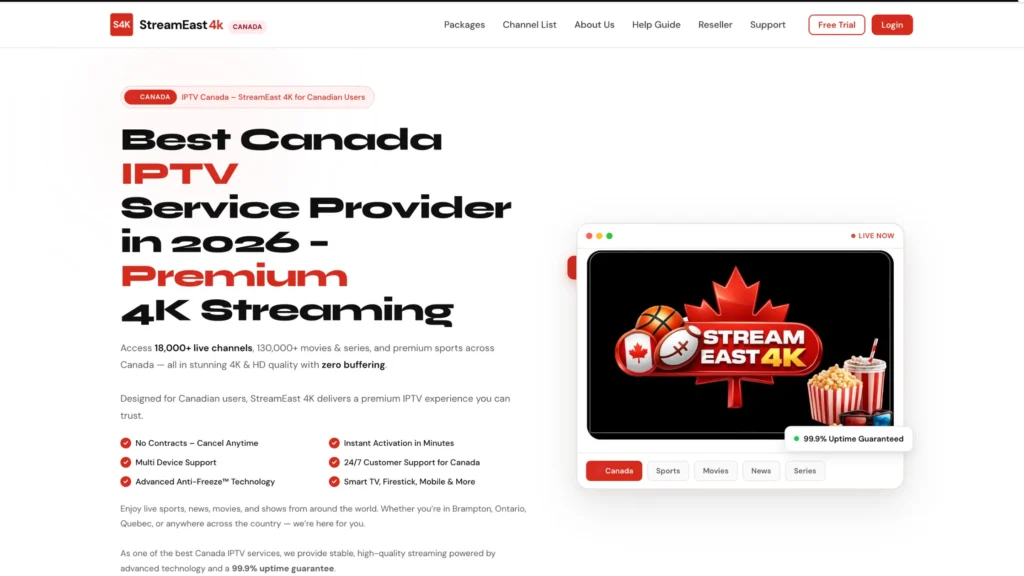
StreamEast4K.com is the most 4K-focused Canadian IPTV provider on the market, and the name is not marketing, 4K delivery is genuinely the platform’s organizing principle. The IPTV service offers 18,000+ live channels and a 130,000+ title VOD library what make him one of the most popular IPTV in canada compared to top old iptv service like diablo iptv , all under a proprietary Anti-Freeze™ technology layer that is specifically designed to stabilize high-bitrate 4K streams during peak hours.
Key technical differentiators: 99.9% uptime guarantee, server infrastructure optimized for Canadian users across Quebec, Ontario, BC, and Alberta, and compatibility with every major 4K device and app (TiviMate, IPTV Smarters Pro, Formuler, Firestick 4K, Apple TV 4K, Nvidia Shield).
The free trial requires no credit card — which is the right way to test 4K quality before paying. Run the trial during a peak evening window (7–9 PM) to stress-test the infrastructure.
Pricing (USD, 1 device): Starting at $19/month | 6-month plans save ~20% | 12-month is best value Simultaneous connections: Up to 5 devices Free trial: ✅ No credit card required
IPTVTheFox.com — Best 4K IPTV Canada for International + Multi-Country Households
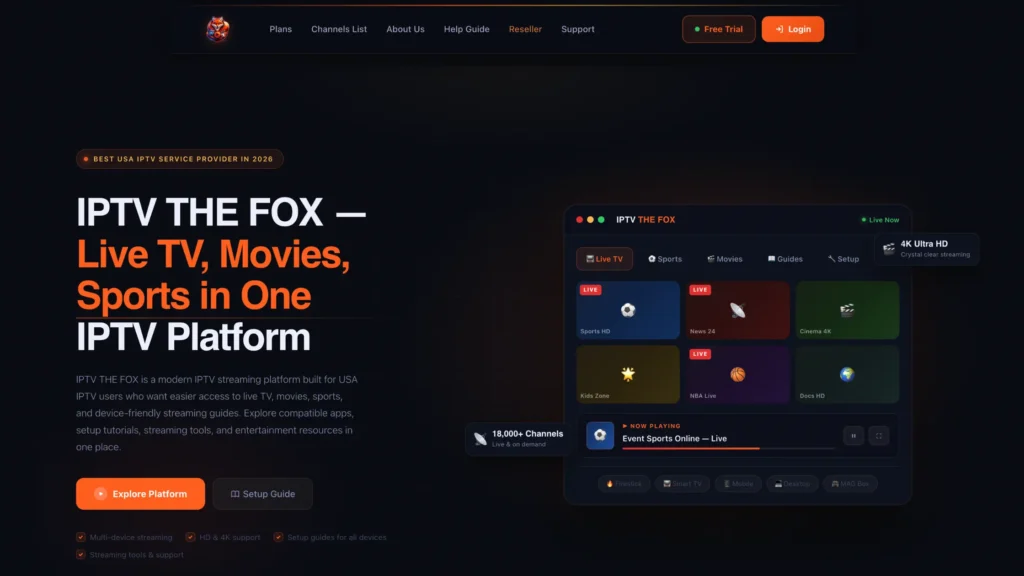
IPTVTheFox.com is positioned as a global platform with strong multi-country channel coverage, useful for Montreal and Toronto households with family watching content from France, Italy, the UK, and the USA alongside Canadian channels. The service covers 18,000+ channels across 10+ countries, with 130,000+ VOD titles in 4K and HD.
The platform provides detailed setup guides for every major 4K device, including Firestick, Nvidia Shield, Apple TV, Smart TVs, and Android boxes, making it accessible for first-time IPTV users who are upgrading to 4K for the first time.
Pricing: Flexible plans; contact site for current CAD pricing Free trial: ✅ Available
IPTVV.ca — Best 4K IPTV Canada With Canadian Pricing & Bilingual Support
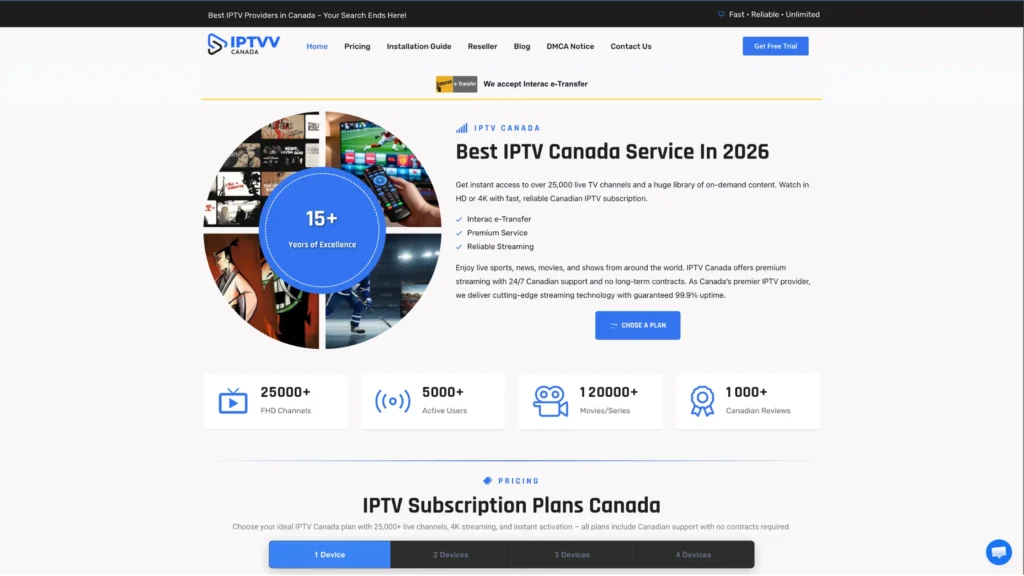
IPTVV.ca is a Canadian-operated service with over 15 years in the market, CDN servers positioned in Montreal, Toronto, Vancouver, and Calgary, and pricing in Canadian dollars. The service offers 25,000+ live channels, a 120,000+ VOD library, and 4K Ultra HD streaming across all plans.
What separates IPTVV.ca for Canadian users is the infrastructure design: CDN servers in Canadian cities mean lower latency for 4K streams, fewer hops between server and device, and more consistent quality during evening peak hours than providers routing traffic through US or European servers. The service also accepts Interac e-Transfer, which many Canadian subscribers prefer.
A 24-hour free trial is available with no credit card, and the service includes Smart EPG, catch-up TV, and PPV events across all plan tiers.
Pricing (CAD, 1 device): $19/month | $29/3 months | $49/6 months | $79/year (~$6.58/mo) Simultaneous connections: 1–4 devices (tiered plans) Free trial: ✅ 24 hours, no credit card
IPTVPrime.ca — Best 4K IPTV Canada for Content Volume & Montreal-Based Support
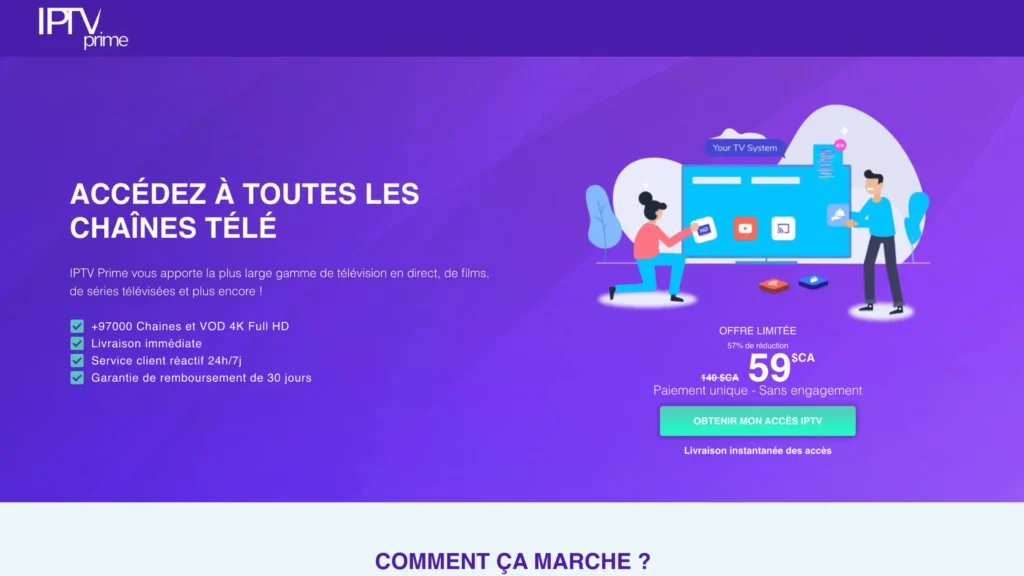
IPTVPrime.ca is the only provider on this list with a registered Montreal address and a local 438 area code phone number, a meaningful signal of accountability for Canadian subscribers. The service delivers 97,800+ live channels and VOD titles, 4K and Full HD streaming, and proprietary Anti-Freeze™ 3.0 technology that the provider explicitly states eliminates the need for a VPN.
For 4K specifically, the 97,800+ channel figure represents the largest content volume on this list. The service is rated 4.9/5 across 4,211+ reviews and offers a 30-day satisfaction period — the most generous trial window of any provider reviewed here. Bilingual (French/English) support is available, including francophone agents for Quebec subscribers.
Pricing: Flexible monthly, short-term, and annual plans. Contact the provider or visit the site for current CAD pricing. Simultaneous connections: Multiple connection plans available on request Free trial: 30-day satisfaction period
IPTV.ca — Best 4K IPTV Canada for Channel Volume + Catch-Up TV
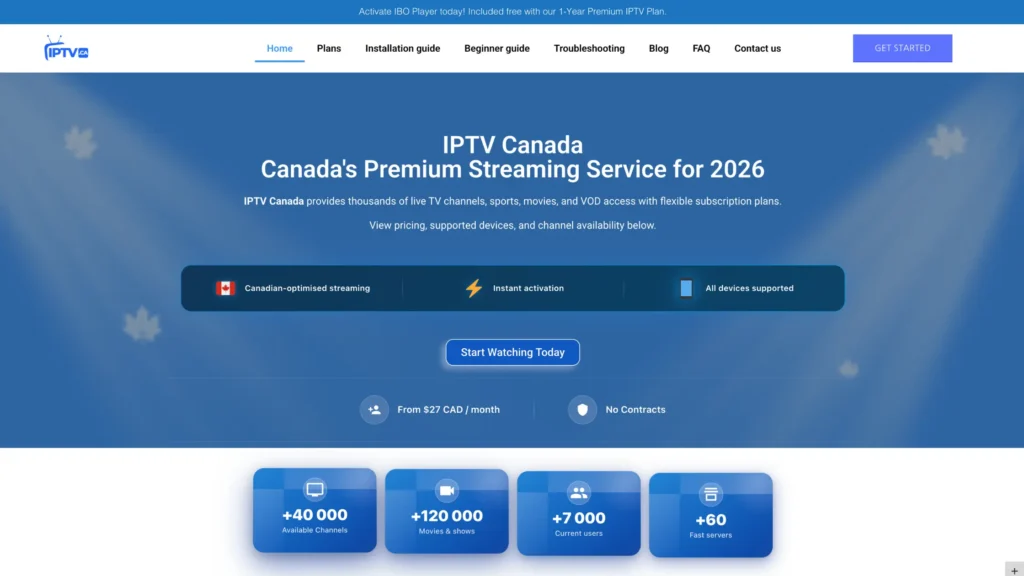
IPTV.ca operates at a different scale — 40,000+ live channels and 120,000+ VOD titles, with full EPG, catch-up TV, and 4K streaming across all plans. The catch-up TV feature is particularly valuable for 4K sports viewers: if you miss the first period of a Canadiens game, you can go back and watch it in the same 4K quality as the live stream, without recording it first.
Pricing starts at $20 CAD/month with no contract and no automatic renewal. The transparent pricing in Canadian dollars and the catch-up TV inclusion make this a strong choice for households that want volume and flexibility.
Pricing (CAD): From $20/month Free trial: Check site for current availability
What Is Anti-Freeze Technology — And Why 4K Needs It
You will see “Anti-Freeze” or “Anti-Buffer” technology mentioned by multiple Canadian IPTV providers. This is not marketing language — it is a real technical approach to a real problem, and it matters significantly for 4K streaming specifically.
Here is the problem: a 4K live stream runs at 15,000–25,000 kbps. A standard HD stream runs at 3,000–5,000 kbps. When a provider’s server gets overloaded — say, during a Saturday night NHL game when 50,000 subscribers are watching simultaneously — the server drops bitrate on active streams to reduce load. For HD, a 20% bitrate drop is barely noticeable. For 4K, the same percentage drop can cause visible blocking, pixelation, or a complete stream freeze as the client player loses sync with the server.
Anti-Freeze technology is a proprietary buffering and stream-failover system that:
- Pre-buffers 2–5 seconds of 4K stream ahead of playback
- Automatically switches to a redundant server mirror if primary server load spikes
- Uses adaptive bitrate logic to momentarily reduce to 1080p during peak load rather than freezing entirely
- Recovers to full 4K resolution within 5–10 seconds as server load normalizes
For viewers watching 4K live sports — where a freeze at the wrong moment can ruin the experience — this technology is not optional. It is the difference between a service you trust and one you babysit.
4K IPTV vs. Cable in Canada: The Real Comparison
The honest comparison Canadian cord-cutters need:
| Factor | 4K IPTV (Premium Service) | Bell Fibe / Videotron Helix |
|---|---|---|
| Monthly Cost | $10–$25 CAD | $120–$175 CAD (with sports) |
| Annual Cost | $80–$240 CAD | $1,440–$2,100 CAD |
| 4K Channels | Varies by provider | Limited (mainly PPV/specialty) |
| Channel Count | 18,000–97,000+ | 200–500 |
| VOD Library | 90,000–130,000+ titles | Limited |
| French Channels | Full Quebec lineup | Full Quebec lineup |
| Contract | None | 2-year typical |
| Equipment | Your own device | Rental box required |
| Setup | Self-install, 5–15 min | Technician visit |
| Multi-Device | Yes (up to 5 on some plans) | Extra cost per TV |
| Catch-Up TV | On most premium plans | Included on Helix |
| Legal Certainty | Verify per provider | ✅ Fully licensed |
| 4K Sports (live) | Provider-dependent | Yes (Helix 4K) |
| Annual Savings | — | $1,200–$1,900 CAD vs. cable |
The honest caveat: cable services like Videotron Helix and Bell Fibe 4K TV are fully licensed and regulated. The 4K quality on these platforms is guaranteed and consumer-protected. Premium IPTV services offer dramatically more content at a fraction of the cost, but their legal status depends on the provider’s licensing situation — something subscribers should verify before subscribing.
For households where legal certainty is the top priority, licensed cable remains the safer choice. For households prioritizing value, flexibility, and access to a vastly larger content library, premium 4K IPTV is the option most Canadians are choosing in 2026.
How to Set Up 4K IPTV in Canada (Step-by-Step)
Step 1 — Verify your internet speed Run a test at Fast.com on the device you will use for streaming. Confirm you are getting at least 25 Mbps (40+ Mbps recommended for 4K live sports). If you are below this on WiFi, connect via ethernet before proceeding.
Step 2 — Choose and trial a provider Select a provider from the list above and request a free trial. Use a trial rather than subscribing directly — this is the only way to verify 4K quality on your specific connection and device.
Step 3 — Install your IPTV app
- Firestick 4K: Use the Downloader app to sideload TiviMate (search “TiviMate APK” via Downloader)
- Android TV / Nvidia Shield: Install TiviMate from the Google Play Store directly
- Apple TV: Install GSE Smart IPTV or IPTV Smarters Pro from the App Store
- Samsung / LG Smart TV: Install Smart IPTV from the TV’s app store
- PC / Mac: Download VLC for quick testing, or install Kodi for a full setup
Step 4 — Enter your credentials Your provider will send either an M3U URL or Xtream Codes (server URL, username, password). In TiviMate: Add Playlist → Xtream Codes API or M3U URL → paste your details → confirm.
Step 5 — Verify 4K quality Open a channel labelled as 4K. Press the info button in your IPTV app to check the actual resolution and bitrate. Confirm you are seeing 3840×2160 at 15,000+ kbps. If not, contact your provider and ask which specific channels deliver true 4K feeds.
Step 6 — Optimize for peak hours Test your 4K stream during prime time (7–9 PM on a weekday, or during a major sports event). This is when server load is highest and where Anti-Freeze technology matters most. A service that holds 4K quality at 8 PM on a Saturday during a playoff game is a service you can trust year-round.
Tips for the Smoothest 4K IPTV Streaming Experience
Follow these seven practices and you will eliminate the vast majority of 4K buffering issues before they happen:
1. Use wired ethernet, not WiFi. A $10 ethernet cable or $15 USB adapter will do more for your 4K stream stability than any other single change.
2. Use a dedicated streaming device. Do not stream 4K IPTV through a smart TV’s built-in browser. The dedicated apps on Firestick, Nvidia Shield, or Apple TV use hardware video decoding that dramatically reduces processing load and improves 4K output.
3. Restart your router weekly. ISP routers accumulate session data that can degrade connection quality over days. A quick restart clears this and often restores full speed.
4. Close background apps during 4K streaming. If your streaming device is also running downloads, app updates, or Bluetooth connections, those consume bandwidth and processor resources that compete with your 4K stream.
5. Test without and with a VPN. If your 4K stream buffers during peak hours but runs fine at midnight, your ISP may be throttling streaming traffic. A VPN (NordVPN or ExpressVPN with a Canadian server) bypasses this. Test both scenarios before blaming your IPTV provider.
6. Choose a provider with servers in or close to Canada. Latency compounds at 4K bitrates. A provider with CDN infrastructure in Toronto, Montreal, or Vancouver will consistently outperform one routing traffic through US or European servers, especially during peak hours.
7. Increase your TiviMate buffer size. In TiviMate settings, the default buffer is 10 seconds. For 4K live sports, increasing this to 20–30 seconds absorbs server micro-spikes and prevents the 2-second freeze that would otherwise interrupt your viewing.
FAQs – 4k IPTV:
What is 4K IPTV?
4K IPTV is an internet-based television service that delivers live channels and on-demand content at Ultra HD resolution (3840 × 2160 pixels) — four times sharper than standard 1080p HD. It requires a minimum 25 Mbps internet connection, a 4K-compatible streaming device, a compatible IPTV app, and a provider that delivers genuine 4K-encoded streams rather than upscaled HD.
Is 4K IPTV available in Canada?
Yes. Several Canadian IPTV providers offer 4K streaming in 2026, including StreamEast4K.com, IPTVV.ca, IPTVPrime.ca, IPTV.ca, and IPTVTheFox.com. Quality varies by provider — always use a free trial to verify that channels labelled “4K” are delivering genuine 3840×2160 resolution rather than upscaled HD.
What internet speed do I need for 4K IPTV in Canada?
A minimum of 25 Mbps is needed for a single 4K stream. For 4K live sports, 35–40 Mbps is recommended due to higher bitrate variance. For two simultaneous 4K streams, you need at least 50 Mbps. Critically, this must be your measured speed at the streaming device — not your plan’s advertised speed.
What is the best 4K IPTV service in Canada?
StreamEast4K.com leads for 4K picture quality and Anti-Freeze™ technology. IPTVTHEFOX.com is the best Canadian-dollar, Canadian-infrastructure option. IPTVPrime.ca offers the largest content volume (97,800+ channels) with Montreal-based support. The best choice depends on your priorities: picture quality, Canadian pricing, content volume, or French-language channel depth.
Does IPTV support 4K on Firestick?
Yes — the Firestick 4K Max and Firestick 4K (3rd Generation) both support 4K HDR IPTV streaming through apps like TiviMate and IPTV Smarters Pro. Standard Firestick (non-4K) models only output at 1080p. For best results, use a wired ethernet connection via a USB-to-Ethernet adapter.
What is Anti-Freeze technology in IPTV?
Anti-Freeze (or Anti-Buffer) technology is a stream stabilization system used by premium IPTV providers to prevent freezing during high-demand periods. It pre-buffers ahead of playback, switches to redundant servers when load spikes, and uses adaptive bitrate to maintain smooth playback rather than dropping the stream entirely. It is especially important for 4K live sports, where stream interruption at peak hours is otherwise common.
Can I watch 4K IPTV on a smart TV without a separate device?
Yes, but with limitations. Samsung (Tizen) and LG (webOS) smart TVs support IPTV apps like Smart IPTV, which can deliver 4K streams. However, smart TVs generally have less processing power than dedicated streaming devices and may struggle with the highest-bitrate 4K streams. A dedicated device like Firestick 4K Max or Nvidia Shield Pro reliably outperforms built-in smart TV apps for 4K IPTV.
Is 4K IPTV better than cable in Canada for picture quality?
True 4K IPTV from a premium provider can match or exceed cable 4K quality at a fraction of the cost. Bell Fibe TV and Videotron Helix offer 4K content on some channels, but at $120–$175/month for sports bundles. A quality 4K IPTV subscription delivers equivalent or greater 4K content at $10–$25/month — though licensed cable services offer consumer protections that third-party IPTV does not.
How many Mbps do I need for 4K IPTV on multiple devices?
Multiply the per-stream requirement by the number of simultaneous 4K streams. Two 4K streams require 50+ Mbps. Three require 75+ Mbps. Most Canadian households on Bell Fibe, Videotron, Rogers, or Telus Fibre plans easily exceed these thresholds at the router level — but verify actual speed at each streaming device, particularly those on WiFi.
Do I need a VPN for 4K IPTV in Canada?
A VPN is not required but is recommended if your ISP throttles streaming traffic. If your 4K stream buffers during peak evening hours but performs well at off-peak times, test with a VPN connected to a Canadian server (NordVPN and ExpressVPN both work well). If performance improves, ISP throttling — not the provider’s servers — is the issue. Some premium providers (like IPTVPrime.ca) claim their Anti-Freeze™ technology handles this internally.
What IPTV apps support 4K streaming in Canada?
TiviMate (Android/FireOS), IPTV Smarters Pro (Android/iOS/Smart TV), GSE Smart IPTV (iOS/Apple TV), MyTV Online 3 (Formuler), and Kodi with PVR IPTV plugin all support 4K streaming when paired with a compatible provider and device. TiviMate is the most widely recommended for 4K live sports due to its hardware decoding support and high-bitrate stream stability.