Quick Answer: The best IPTV app for Firestick in Canada is TiviMate. It offers a clean, cable-TV-like interface, excellent EPG support for Canadian channels, M3U and XTREAM codes compatibility, and smooth 4K playback. For beginners, IPTV Smarters Pro is the easiest to set up. Both are free to download, with optional paid upgrades.
You’ve got the Firestick plugged in. You’ve got an IPTV subscription sorted. And now you’re staring at a list of a dozen apps with names like TiviMate, IPTV Smarters, GSE Smart IPTV, and Perfect Player, and you have absolutely no idea which one to actually install.
Been there. It’s genuinely confusing, especially since most guides online are written for Americans and completely ignore what Canadian users need: apps that handle Canadian channels properly, decent EPG coverage for TSN and Sportsnet, and reliable performance even when Bell or Rogers is quietly throttling your connection at 9 PM on a weeknight.
This guide cuts through the noise. I tested all seven apps on a Fire TV Stick 4K Max, using Canadian IPTV services, and ranked them based on performance, Canadian channel EPG quality, ease of use, and value. Let’s get into it.
Quick Comparison Table — Best IPTV Apps for Firestick
| App | Best For | Free? | Paid Version | M3U Support | XTREAM Support | EPG Quality |
|---|---|---|---|---|---|---|
| TiviMate | Overall best | Yes (basic) | $4.99 USD/yr | Yes | Yes | Excellent |
| IPTV Smarters Pro | Beginners | Yes | Free / $4.99 | Yes | Yes | Good |
| GSE Smart IPTV | Free option | Yes | No | Yes | Yes | Good |
| Perfect Player | Lightweight | Yes | No | Yes | Limited | Basic |
| OTTPlayer | Multi-playlist | Yes | No | Yes | No | Basic |
| Kodi + PVR | Power users | Yes | No | Yes | Yes | Excellent (with setup) |
| Net IPTV | Appstore users | Yes | $0–$5.99 | Yes | No | Basic |
How We Tested These IPTV Apps
Testing methodology matters — so here’s exactly what I did. Each app was evaluated on:
- Installation ease — Amazon Appstore vs. sideload, time to get running
- Interface quality — Navigation, speed, visual polish
- EPG accuracy — Specifically testing TSN, Sportsnet, CBC, CTV, and RDS feeds
- Playback quality — HD and 4K stream stability, anti-freeze performance
- M3U and XTREAM codes support — Both connection methods tested
- Catchup/time-shift support — Whether the app utilizes catch-up TV when the service supports it
- Multi-stream support — Does the app support picture-in-picture or multi-screen?
- Performance on Firestick hardware — Specifically the 4K Max, which has more RAM than the basic Stick
Now, the rankings.
#1 TiviMate — Best Overall IPTV App for Firestick
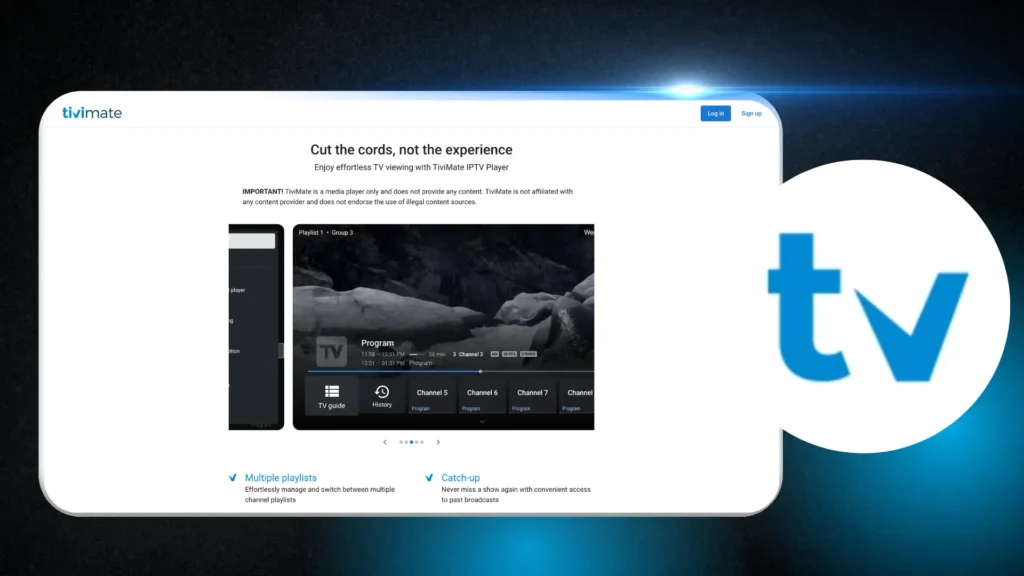
If you ask any experienced IPTV user in Canada which app they use, the answer is almost always TiviMate. It’s not the flashiest name, but it is — by a significant margin — the best IPTV experience available on Firestick.
The interface looks and feels like a premium cable TV guide. Channels are organized in a clean grid EPG, you can favourite channels, set recordings, and browse your VOD library all from the same app. It’s polished in a way that most IPTV apps simply aren’t.
Key Features
- Beautiful grid EPG that actually works well with Canadian channel metadata
- M3U playlist and XTREAM codes support — works with virtually every Canadian IPTV service
- 4K and HD playback with hardware decoding for smooth streaming on Firestick 4K
- Multiple playlist management — perfect if you have more than one IPTV subscription
- Catch-up/time-shift support — watches missed content when your service supports it
- Parental controls — channel PIN locking
- Picture-in-picture mode (on compatible Fire TV devices)
- Regular updates — the developer actively maintains the app
TiviMate Free vs. Premium (Companion App)
Here’s the slightly confusing part: TiviMate itself is free to download, but to unlock premium features (multiple playlists, recordings, parental controls, panel customization), you need the TiviMate Companion app, which costs $4.99 USD per year — that’s less than $7 CAD annually. Genuinely one of the best value purchases in IPTV (Internet Protocol Television).
The free version is still functional. You get one playlist, basic EPG, and solid playback. For most single-subscription users, the free tier works fine. But the premium upgrade is so cheap it’s almost always worth it.
How to Install TiviMate on Firestick Canada
TiviMate is not on the Canadian Amazon Appstore, so you’ll need to sideload it. Don’t be intimidated — it takes about 5 minutes.
- On your Firestick, go to Settings → My Fire TV → Developer Options
- Enable “Apps from Unknown Sources”
- Download the Downloader app from the Amazon Appstore (it’s free and legitimate)
- Open Downloader and enter the URL: https://tivimate.com
- Download and install the APK file
- Open TiviMate, go to Settings → Playlists → Add Playlist
- Enter your M3U URL or XTREAM codes from your IPTV provider
- Wait for the EPG to load — this may take 2–3 minutes on first launch
For TiviMate Premium, search “TiviMate Companion” in the Amazon Appstore, install it, and link it to your TiviMate account.
Pros and Cons
Pros:
- Best EPG interface of any Firestick IPTV app
- Works with every Canadian IPTV service I tested
- Excellent 4K and HD playback
- Premium features are genuinely affordable
- Active development and regular updates
Cons:
- Requires sideloading (not on CA Amazon Appstore)
- Premium unlock requires a separate Companion app (confusing at first)
- Initial EPG load can be slow on older Firestick models
#2 IPTV Smarters Pro — Best for Beginners
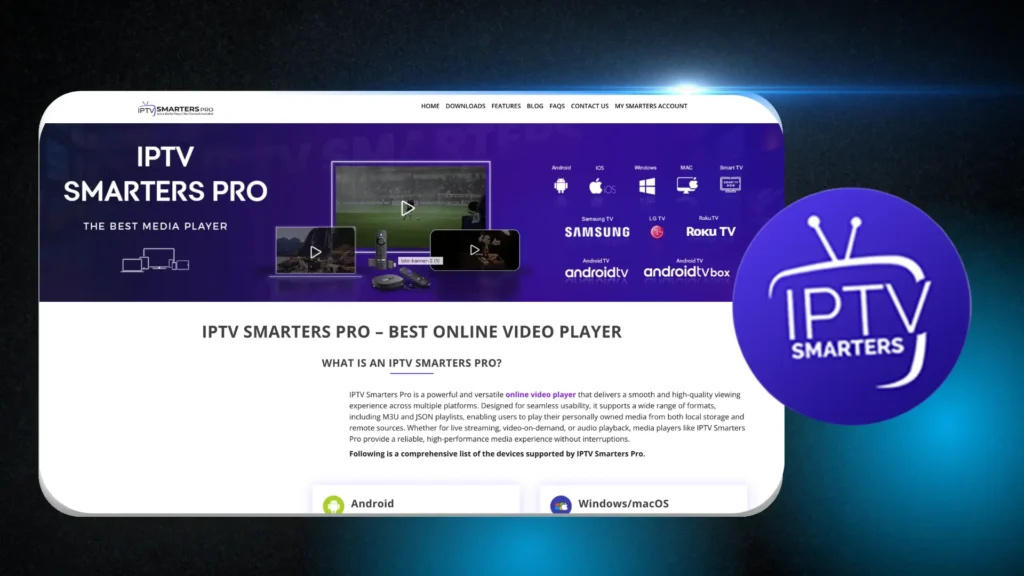
If you’ve never set up an IPTV app before and want something that just works out of the box, IPTV Smarters Pro is where to start. The interface is more basic than TiviMate, but the setup process is genuinely beginner-friendly — and it’s actually available on the Canadian Amazon Appstore.
IPTV Smarters was originally developed as a white-label app that IPTV providers could brand and distribute to their subscribers. That means most Canadian IPTV services will give you setup instructions specifically for Smarters — making the onboarding process unusually smooth.
Key Features
- Amazon Appstore availability — no sideloading required in Canada
- M3U URL and XTREAM codes support — both methods work cleanly
- Multiple user profiles — different family members can have their own channel lists
- VOD section with movie and series organization — cleaner than most apps
- EPG support — functional, though not as polished as TiviMate
- Catch-up TV support where the service provides it
- Free to use — no paid upgrade required for full functionality
How to Get IPTV Smarters on Firestick
This is the easiest installation of any app on this list:
- On your Firestick, open the Amazon Appstore
- Search for “IPTV Smarters Pro”
- Download and install — it’s free
- Open the app and select your connection method (M3U URL or XTREAM codes)
- Enter your credentials from your IPTV provider
- Done — you’re streaming
That’s genuinely it. No sideloading, no APK files, no developer options needed.
Pros and Cons
Pros:
- Available directly on Canadian Amazon Appstore (no sideloading)
- Cleanest setup experience of any app — ideal for first-time users
- Works with virtually all Canadian IPTV providers
- Good VOD organization
Cons:
- EPG interface feels cluttered compared to TiviMate
- Occasional stability issues on older Firestick models
- Less customizable than TiviMate Premium
- Some users report slower channel switching speeds
#3 GSE Smart IPTV — Best Free Option
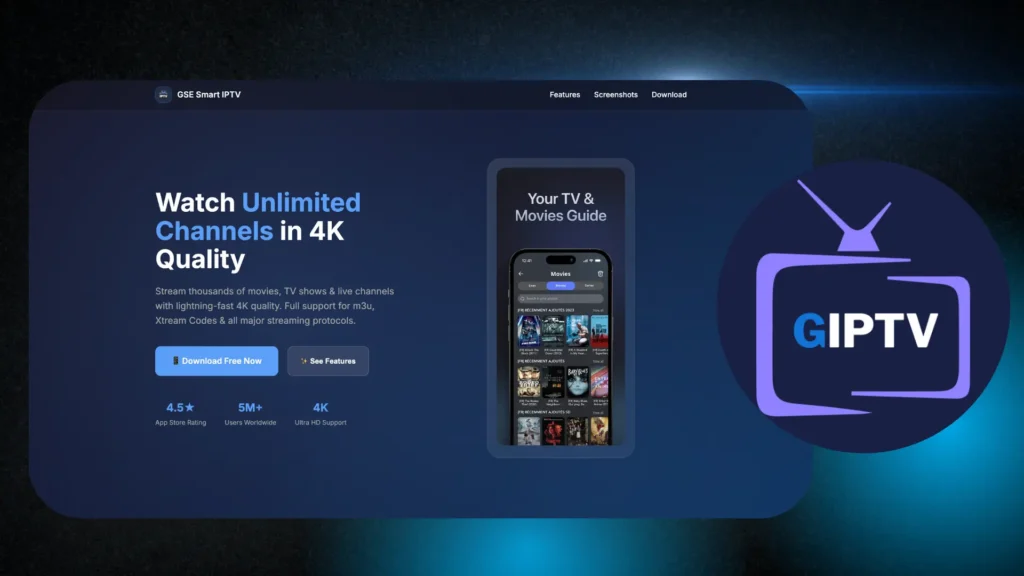
If you want a completely free app with no paid upgrades, no companion apps, and no subscriptions — GSE Smart IPTV is your answer. It’s available on both the Amazon Appstore and as a sideload, supports M3U and XTREAM codes, and has more advanced features than most free apps.
It’s particularly strong for users who manage multiple M3U playlists or want a remote manager (you can add playlists via the GSE web portal, which is genuinely useful). The EPG works well and can be customized with external EPG sources — which is helpful for Canadian channel guides.
Key Features
- Completely free — no paid tier, no subscription, no tricks
- M3U and XTREAM codes support
- Remote playlist manager via web browser (convenient for adding playlists without typing on a remote)
- External EPG URL support — add Canadian-specific EPG sources
- Multiple stream formats supported (HLS, RTMP, TS)
- Subtitles and audio track selection
- Available on Amazon Appstore (Canada)
Pros and Cons
Pros:
- Completely free with no limitations
- Strong playlist management (best of the free apps)
- External EPG support for Canadian channel customization
- Available on Amazon Appstore
Cons:
- Interface is functional but not polished — looks dated compared to TiviMate
- No PiP mode
- Heavier on Firestick memory than TiviMate or Smarters
- EPG guide UI is less intuitive
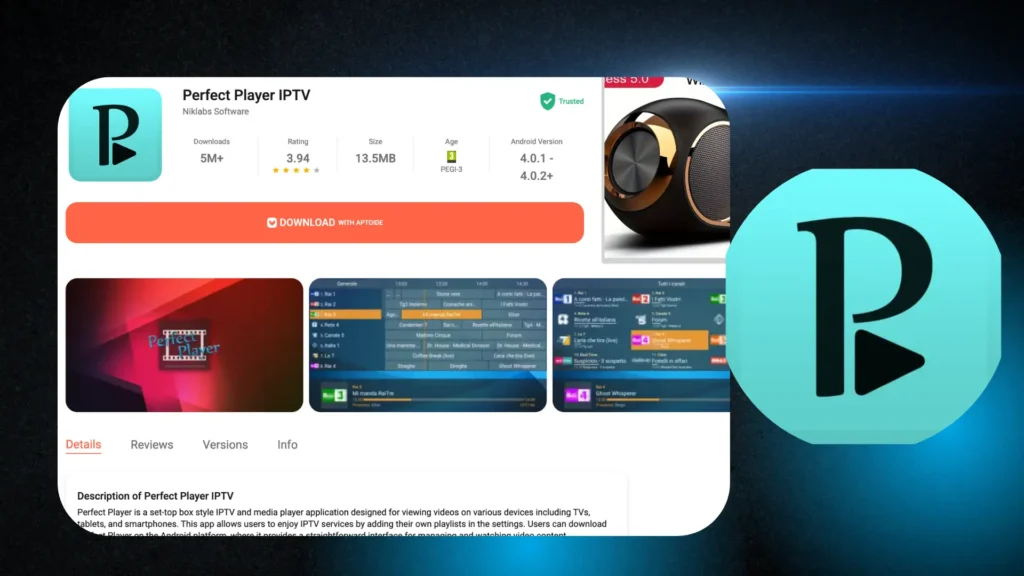
#4 Perfect Player — Best Lightweight Option
Perfect Player has a dedicated fanbase of IPTV users who swear by its simplicity and low resource usage. It’s not feature-rich, but on older or lower-spec Firestick models (like the original Fire TV Stick or Fire TV Stick Lite), its lightweight build can mean the difference between smooth playback and constant buffering.
The interface is minimal — almost spartan. But channels load quickly, the M3U playlist support is solid, and for users who just want to watch TV without a fancy guide, it does the job cleanly.
Key Features
- Extremely lightweight — runs smoothly on older Firestick models
- M3U playlist support
- Basic EPG support via XMLTV format
- Customizable player settings for advanced users
- Free, no paid tier
Pros and Cons
Pros:
- Best performance on older/low-RAM Firestick models
- Very fast channel loading
- Stable and reliable — rarely crashes
- Free with no limitations
Cons:
- EPG interface is very basic
- No XTREAM codes support (M3U only)
- Limited VOD organization
- Interface hasn’t been updated significantly in years
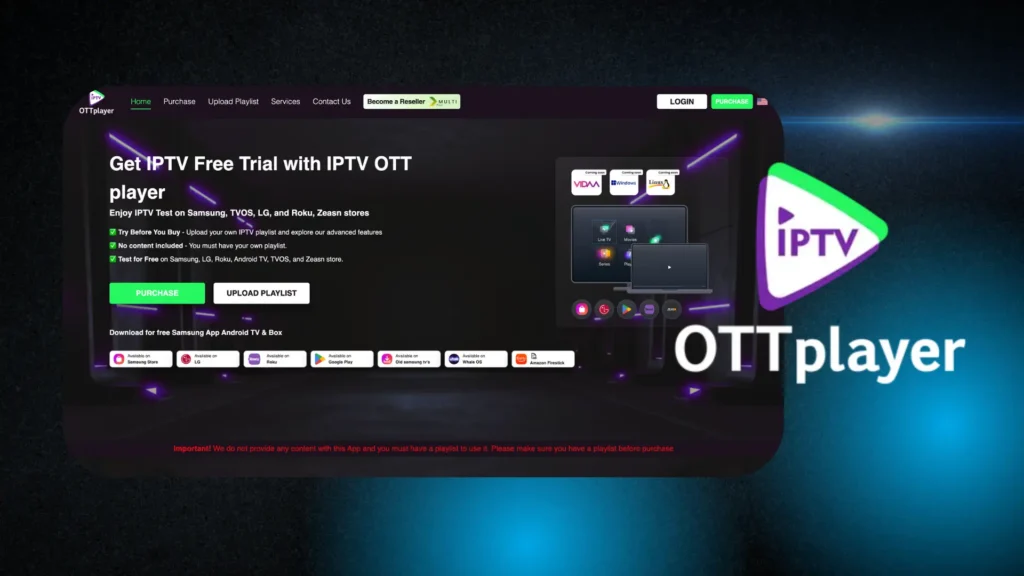
#5 OTT Player — Best for Multiple Playlists
OTTPlayer’s standout feature is how it handles multiple playlists. If you’re testing several Canadian IPTV services simultaneously, or you have personal M3U playlists alongside a subscription service, OTTPlayer makes switching between them effortless via a cloud-synced portal system.
You manage all your playlists through the OTTPlayer web portal, and the app syncs automatically — no manual re-entry of URLs needed. For anyone juggling multiple subscriptions, this workflow is genuinely convenient.
Key Features
- Cloud portal playlist management — add and manage playlists via website
- Multiple playlist support — easily switch between services
- M3U support — works with standard Canadian IPTV subscriptions
- Free to use
- Available on Amazon Appstore (Canada)
Pros and Cons
Pros:
- Best multi-playlist management of any app on this list
- Cloud sync means no re-entering URLs when switching devices
- Free and available on Amazon Appstore
Cons:
- No XTREAM codes support — significant limitation
- EPG is basic and sometimes inaccurate
- VOD section is poorly organized
- Interface feels older than competitors
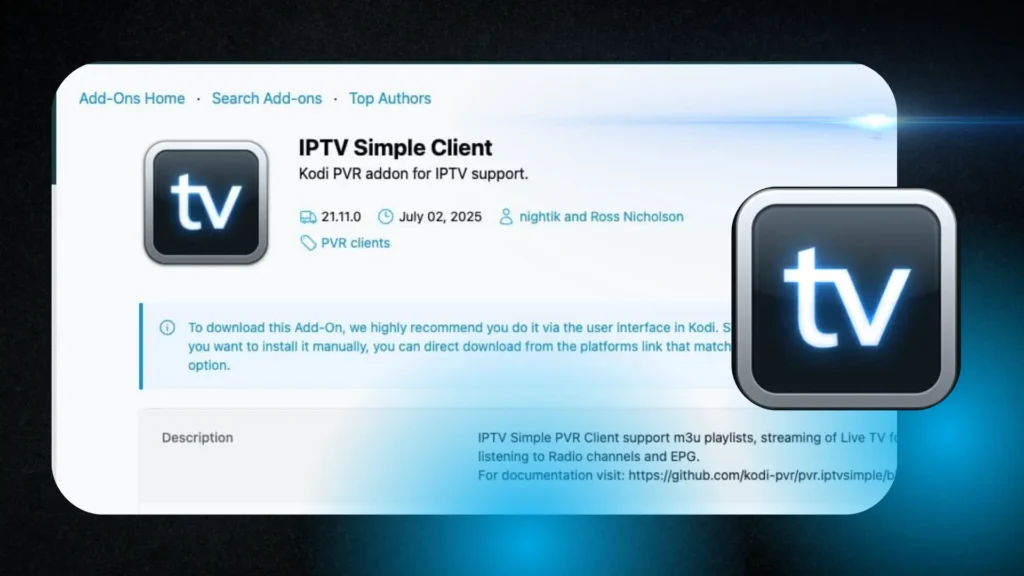
#6 Kodi with PVR IPTV Simple Client — Best for Power Users
Kodi is different from every other app on this list. It’s not an IPTV app in itself — it’s an open-source media centre that, when set up with the PVR IPTV Simple Client add-on, becomes one of the most powerful IPTV experiences available on Firestick.
The trade-off is complexity. Setting up Kodi with IPTV takes significantly more time than installing TiviMate or Smarters. But once configured, the result is exceptional: full EPG support (with fantastic Canadian channel guide customization), a massive add-on ecosystem, and the ability to integrate IPTV with your local media library.
This is not for beginners. But if you enjoy configuring software and want maximum control, Kodi delivers.
Key Features
- Full M3U playlist support via PVR IPTV Simple Client add-on
- Excellent EPG customization — use any XMLTV EPG source, including Canadian-specific ones
- Massive add-on ecosystem — extend functionality as needed
- Integrates IPTV with local media — watch your personal movie library alongside live TV
- Free and open source
- Available via Amazon Appstore (Canada)
Pros and Cons
Pros:
- Most customizable IPTV experience on Firestick
- Excellent EPG flexibility with external sources
- Active community and massive add-on library
- Completely free
Cons:
- Complex setup — not suitable for non-technical users
- Kodi itself can be slow on Firestick hardware without optimization
- Requires regular maintenance and add-on updates
- Can feel overwhelming for new IPTV users
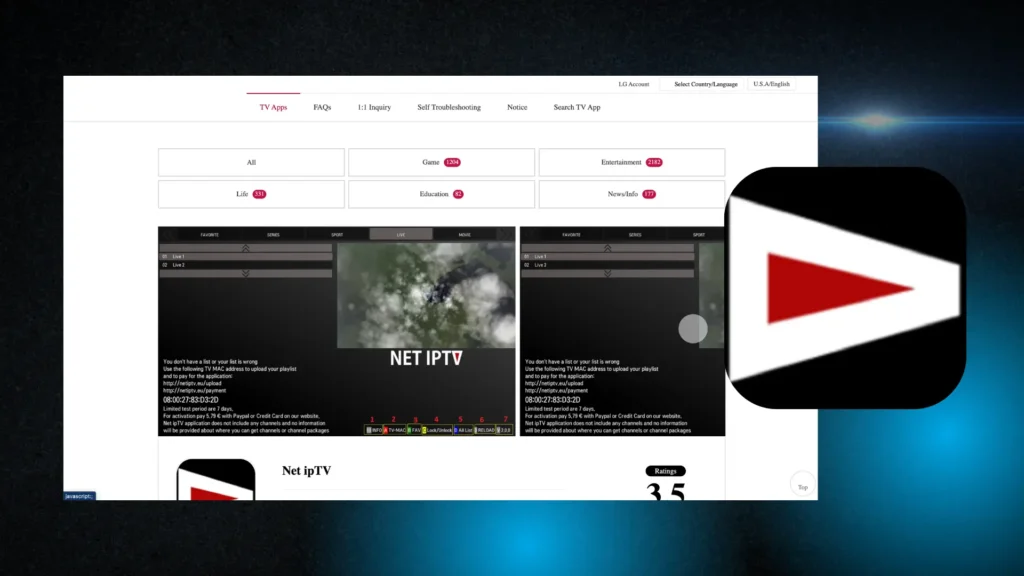
#7 Net IPTV — Best Amazon Appstore Option (Quick Setup)
If sideloading makes you nervous and you want an app you can install directly from the Amazon Appstore in Canada, Net IPTV is worth knowing about. It’s simpler than Smarters but has a clean interface and supports M3U playlists.
Net IPTV uses an activation code system — you configure your playlist on their website, get an activation code, and enter it in the app. It’s slightly less direct than M3U URL entry, but it works, and some users find the web-based configuration easier than typing on a Firestick remote.
Key Features
- Amazon Appstore Canada — no sideloading
- M3U playlist support via web-based configuration
- Activation code system — manage playlists from your browser
- Basic EPG support
- Free base version; paid upgrades available (~$5.99 USD one-time)
Pros and Cons
Pros:
- Available directly on Canadian Amazon Appstore
- Simple web-based setup
- Clean, minimal interface
Cons:
- Activation code system adds friction compared to direct M3U entry
- No XTREAM codes support
- EPG quality is basic
- Less actively developed than top competitors
TiviMate vs. IPTV Smarters Pro — Head-to-Head Comparison
These are the two apps most Canadians will choose between. Here’s the detailed breakdown:
| Feature | TiviMate | IPTV Smarters Pro |
|---|---|---|
| Amazon Appstore (Canada) | No — sideload required | Yes |
| M3U support | Yes | Yes |
| XTREAM codes support | Yes | Yes |
| EPG quality | Excellent | Good |
| Interface design | Premium, cable TV-like | Functional, busier |
| VOD organization | Basic | Better organized |
| Multiple playlists | Premium only | Yes (free) |
| Catch-up TV | Yes | Yes |
| PiP mode | Yes (Fire TV 4K) | No |
| Parental controls | Premium only | Yes (free) |
| Recording support | Premium only | Limited |
| Annual cost | Free (basic) / ~$7 CAD/yr | Free |
| Performance on older Firestick | Good | Good |
| Best for | EPG-heavy live TV viewing | Beginners, VOD users |
Verdict: If you watch a lot of live TV and sports — and want that polished cable-guide feel — TiviMate wins. If you’re new to IPTV and want something that installs in two minutes without any sideloading, start with IPTV Smarters.
Do You Need to Sideload IPTV Apps on Firestick in Canada?
This is one of the most common questions Canadian Firestick users ask — and the honest answer is: it depends on the app.
Which Apps Are on the Amazon Appstore (Canada)
These apps are available directly on the Canadian Amazon Appstore (no sideloading required):
- IPTV Smarters Pro ✓
- GSE Smart IPTV ✓
- OTTPlayer ✓
- Kodi ✓
- Net IPTV ✓
These apps require sideloading:
- TiviMate ✗ (must sideload)
- Perfect Player ✗ (must sideload)
Sideloading sounds intimidating, but it genuinely takes about 5 minutes and only needs to be done once.
Step-by-Step: How to Sideload an IPTV App on Firestick
Use this process for TiviMate, Perfect Player, or any other APK-based app:
Step 1: On your Firestick, go to Settings → My Fire TV → Developer Options
Step 2: Turn on “Apps from Unknown Sources” (you’ll get a warning — click “Turn On”)
Step 3: Go back to the home screen and open the Amazon Appstore
Step 4: Search for “Downloader” (by AFTVnews) — install it (it’s free and legitimate)
Step 5: Open Downloader and type the direct APK URL for your app (e.g., tivimate.com/get for TiviMate)
Step 6: Download the APK, then click “Install” when prompted
Step 7: Once installed, you can delete the APK file to free up storage
That’s the complete process. Once you’ve done it once, sideloading any future apps takes less than 3 minutes.
Which IPTV App Has the Best EPG for Canadian Channels?
EPG — the Electronic Program Guide — is what shows you what’s on now, what’s coming up, and what you missed. For Canadian users, EPG quality varies significantly between apps.
Here’s how the top apps rate for Canadian channel EPG specifically:
| App | TSN / Sportsnet | CBC / CTV / Global | RDS / TVA (French) | Overall CA EPG |
|---|---|---|---|---|
| TiviMate | Excellent | Excellent | Good | ⭐⭐⭐⭐⭐ |
| Kodi (with custom EPG) | Excellent | Excellent | Excellent | ⭐⭐⭐⭐⭐ |
| IPTV Smarters Pro | Good | Good | Basic | ⭐⭐⭐⭐ |
| GSE Smart IPTV | Good | Good | Basic | ⭐⭐⭐ |
| Perfect Player | Basic | Basic | Poor | ⭐⭐ |
| OTTPlayer | Basic | Basic | Poor | ⭐⭐ |
| Net IPTV | Basic | Basic | Poor | ⭐⭐ |
Important note for Québec users: If French Canadian channel EPG matters to you — RDS, TVA Sports, Noovo, Radio-Canada — TiviMate with a proper XMLTV EPG source is your best option. Kodi with a custom Canadian EPG feed is even more powerful but requires configuration.
EPG quality also depends on your IPTV service. The best apps in the world can’t fix an IPTV provider that doesn’t supply proper EPG metadata. When evaluating IPTV services, always ask whether they include EPG for Canadian channels.
Do You Need a VPN With Your IPTV App on Firestick?
You don’t strictly need a VPN to use IPTV on Firestick. But if you’re in Canada — particularly if you’re with Bell, Rogers, or Telus — a VPN is worth serious consideration.
Bell and Rogers Throttle Streaming — Here’s What to Do
Canadian ISPs, particularly Bell and Rogers, have been documented throttling streaming traffic during peak hours (typically weekday evenings and weekends). You’ll notice this as sudden buffering or quality drops around 8–10 PM — even if your internet plan is supposedly fast.
What’s happening: your ISP detects high-bandwidth streaming and throttles your connection speed. A VPN encrypts your traffic so your ISP can’t see what you’re streaming — only that you’re sending encrypted data. This prevents targeted throttling and usually results in noticeably more stable IPTV performance.
Recommended VPN setup for Firestick IPTV:
- Install ExpressVPN, NordVPN, or Surfshark from the Amazon Appstore
- Connect to a Canadian or nearby US server before launching your IPTV app
- Keep the VPN running while streaming
A good VPN subscription costs $3–$8 USD/month on annual plans — still far less than cable.
How to Set Up IPTV Apps And Subsciption on Firestick — Complete Walkthrough
Once you’ve chosen your app and installed it, here’s how to connect your IPTV subscription:
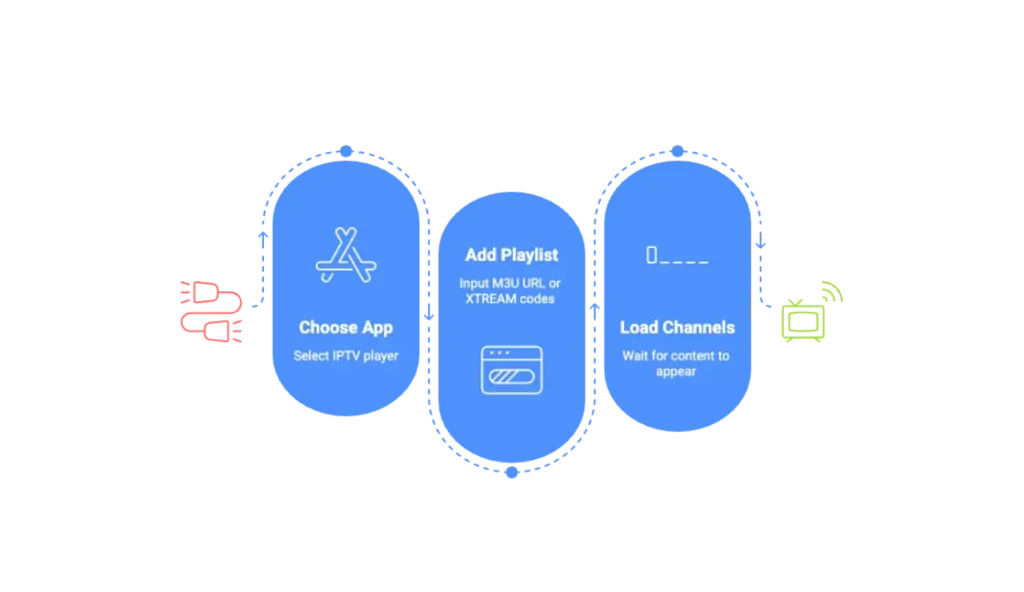
Method 1: M3U Playlist URL
An M3U URL is a direct link to your channel list. Your IPTV provider will give you this URL when you subscribe.
- Open your IPTV app (TiviMate, GSE, Perfect Player, etc.)
- Go to Settings → Add Playlist (exact location varies by app)
- Select “M3U URL” as the source type
- Paste or type in the M3U URL from your provider
- Give the playlist a name (e.g., “My IPTV”)
- Wait for channels to load (10 seconds to 2 minutes depending on channel count)
- Add your EPG URL if your provider supplies one separately
Method 2: XTREAM Codes / API
XTREAM codes give apps direct access to the IPTV server, which often improves stability and enables more features (catch-up, VOD browsing). Your provider will give you a server URL, username, and password.
- Open TiviMate or IPTV Smarters Pro
- Go to Add Playlist → Xtream Codes API
- Enter the Server URL (usually something like http://provider.com:port)
- Enter your Username and Password from your provider
- The app will automatically load all channels and VOD content
- Wait for EPG to populate
XTREAM codes generally provide a richer experience than M3U when supported by both your app and provider. TiviMate and IPTV Smarters Pro both support XTREAM codes; Perfect Player, OTTPlayer, and Net IPTV do not.
Frequently Asked Questions — IPTV Apps for Firestick in Canada
What is the best IPTV app for Firestick in Canada?
TiviMate is the best overall IPTV app for Firestick in Canada. It offers the most polished EPG interface, excellent Canadian channel support, M3U and XTREAM codes compatibility, and smooth 4K playback. The free version works well, and the premium upgrade costs less than $7 CAD per year. For beginners who want easier installation, IPTV Smarters Pro is available directly on the Amazon Appstore Canada.
Is TiviMate or IPTV Smarters better?
TiviMate is better for live TV viewing, EPG quality, and overall interface polish. IPTV Smarters Pro is better for beginners because it’s available directly on the Amazon Appstore (no sideloading), and it has a cleaner VOD section. If you’re comfortable sideloading and watch a lot of live channels or sports, choose TiviMate. If you want the easiest setup and primarily use VOD, start with IPTV Smarters.
How do I install an IPTV app on my Firestick?
Apps available on the Amazon Appstore (like IPTV Smarters Pro and GSE Smart IPTV) install normally — just search and download. For apps like TiviMate that require sideloading: enable “Apps from Unknown Sources” in Developer Options, install the Downloader app from the Appstore, enter the APK URL in Downloader, and install the file. The whole process takes about 5 minutes.
Can you get IPTV apps on the Amazon Appstore in Canada?
Yes — several IPTV apps are available on the Canadian Amazon Appstore, including IPTV Smarters Pro, GSE Smart IPTV, OTTPlayer, Kodi, and Net IPTV. TiviMate and Perfect Player are not on the Canadian Appstore and must be sideloaded using the Downloader app.
What IPTV apps are free on Firestick?
All seven apps on this list are free to download. TiviMate offers a premium upgrade ($4.99 USD/yr) for features like multiple playlists and recordings, and Net IPTV has a one-time paid option. GSE Smart IPTV, Perfect Player, OTTPlayer, IPTV Smarters Pro, and Kodi are all completely free with no paid tiers.
How do I set up IPTV on a Fire TV Stick 4K?
The Fire TV Stick 4K setup is identical to any other Firestick model. Download your IPTV app (from Appstore or via sideload), open it, and enter your provider’s M3U URL or XTREAM codes credentials. The 4K Stick’s higher RAM (1.5–2GB vs. the basic Stick’s 1GB) means apps like TiviMate run noticeably smoother. For 4K streaming, ensure your IPTV subscription includes 4K channels and your internet connection delivers at least 25 Mbps stably.
Do I need a VPN with my IPTV app on Firestick?
A VPN isn’t required, but it’s strongly recommended for Canadian users — especially those with Bell, Rogers, or Telus internet. These ISPs have been documented throttling streaming traffic during peak hours, causing buffering even on fast connections. A VPN encrypts your traffic, preventing targeted throttling. ExpressVPN, NordVPN, and Surfshark all have Firestick apps available on the Amazon Appstore and work well with IPTV.